
From the INVOICING tab on the Opto ribbon and click on the ‘Export – MYOB’ window to open the ‘MYOB – Cloud’ window. Open the Export Purchase tab and click on the Select Purchase icon. Click on the Select All icon or just the required Purchase Invoices.
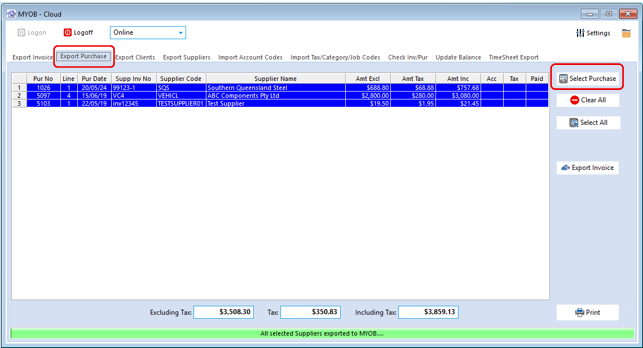
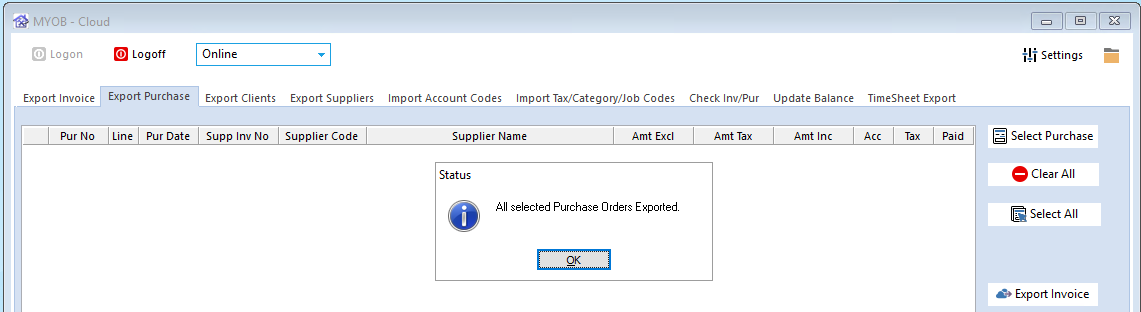
Click on the Export icon to begin export. A message will appear when complete.
Opto Software Pty Ltd
Revised: 09/06/2025


