 Helpcentre
Overview OPTO has a function to upload positions into a purchase order from a txt file. This upload can be done with different values depending on the parameter settings. Purchasing – New Purchase or Edit Purchase Order

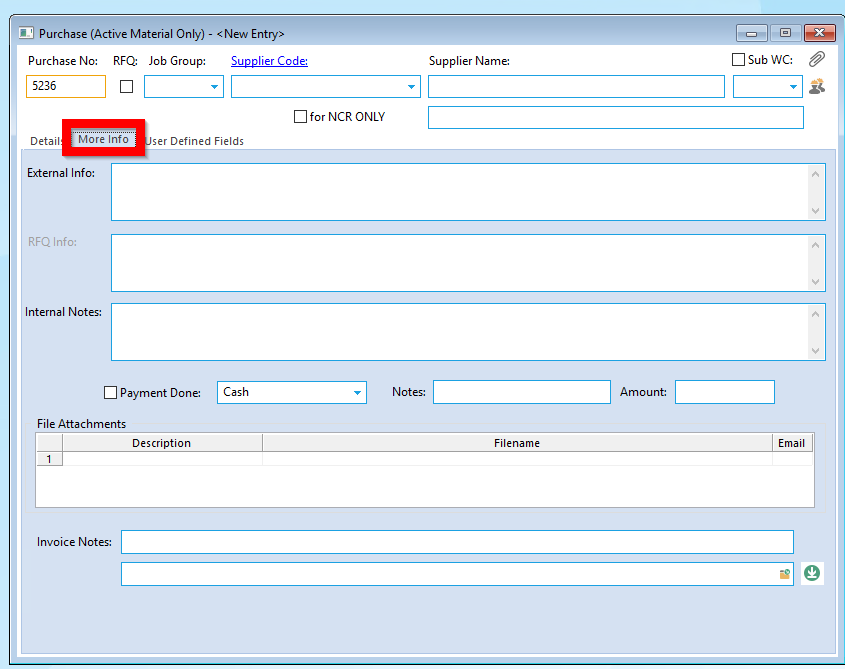
In the Purchase Order go into the More Info tab:
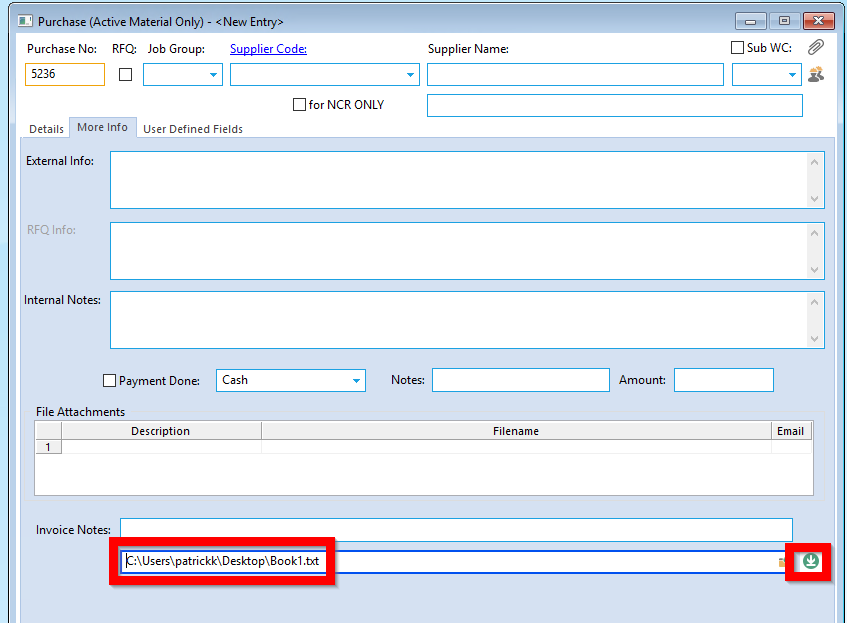
You can then choose the file that you have prepared to be uploaded and press the upload button:
If you are unsure of the format, the system will tell you in the next step what the correct format is (dependent) on parameter settings it is one of the following: Option 1:
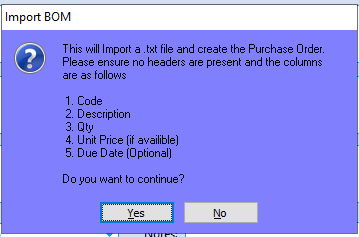
Option 2:
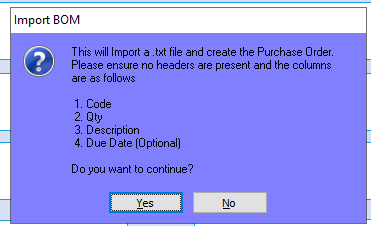
Option 3:
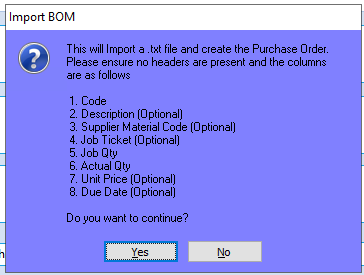
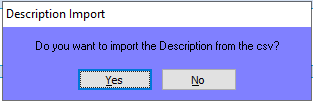
When you then hit the import Button, it will ask you to confirm whether the description should be taken from the file:
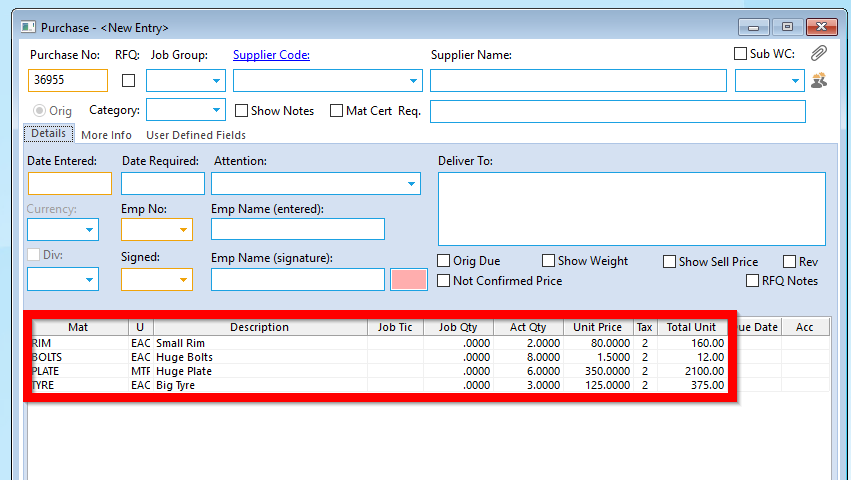
Your positions will then appear in the Purchase order:
Opto Software Pty LtdCreated: 03/10/25